Key Takeaways
- Cyber Essentials is built around five essential technical controls. Get all five right before you submit your application.
- MFA is now mandatory. Since April 2026, multi-factor authentication (MFA) has been required for cloud services. If it’s missing where required, it’s an automatic fail.
- Critical updates must be applied within 14 days. This applies to operating systems, firmware and applications. Miss the deadline and you’ll fail the assessment.
- Follow the latest assessment requirements. The current assessment uses the Danzell question set and version 3.3 of the requirements. Make sure you’re answering against the latest version, not last year’s.
- Certification starts from £320 + VAT for the smallest organisations. While the certification fee is straightforward, preparation is where many applicants come unstuck.
Working for Pera Prometheus, who are a Cyber Essentials (CE) and Cyber Essentials Plus (CE+) certifying body, and through my experience working with organisations of all sizes, I can confidently say that CE failures are rarely caused by poor security. More often, they are caused by gaps the applicant didn’t know were there; an unpatched laptop, a cloud account without multi-factor authentication, a firewall rule that nobody has reviewed in a year.
The certifications test five straightforward technical controls, yet organisations still stumble because they apply before they are ready.
This checklist walks you through what needs to be in place across your systems before you submit your application, including the changes introduced in April 2026.
Work through it first, address any gaps, and you’ll approach the assessment with confidence rather than uncertainty.
What the Cyber Essentials Checklist Actually Covers?
Cyber Essentials is the UK Government-backed certification scheme that helps organisations protect themselves against the most common cyber threats. It is mandatory for Ministry of Defence (MOD) and public sector contracts and it forms the foundation of Defence Cyber Certification Level 0. The whole scheme rests on five technical controls, so your checklist is essentially a check of those five areas across every device, user and service within scope.
Scope is one of the factors that can have the biggest impact on whether you pass or fail. It is easy for organisations to leave out systems that should be included, potentially creating gaps in the assessment. Our guide to Cyber Essentials scoping explains how to define your boundary correctly.
What Changed in April 2026 for CE & CE+ Applications?
The requirements were updated for applications registered after 26 April 2026. Applicants must now work to the Requirements for IT Infrastructure version 3.3 and the new Danzell question set.
In short, the main changes include mandatory Multi-Factor Authentication (MFA) for cloud services, a firm 14-day deadline for applying critical security updates, and a greater emphasis on passwordless sign-in methods such as passkeys.
Each of these changes feeds directly into the checklist below, so make sure you are working on the latest requirements rather than relying on last year’s version.
Cloud services are firmly in scope, and many organisations underestimate how much of their environment falls within that scope. If you rely on Microsoft 365, Google Workspace or any hosted platform, read our explainer on why cloud is in scope and what Cyber Essentials requires from you.
With the scope boundary set and the new requirements understood, here is the checklist itself.
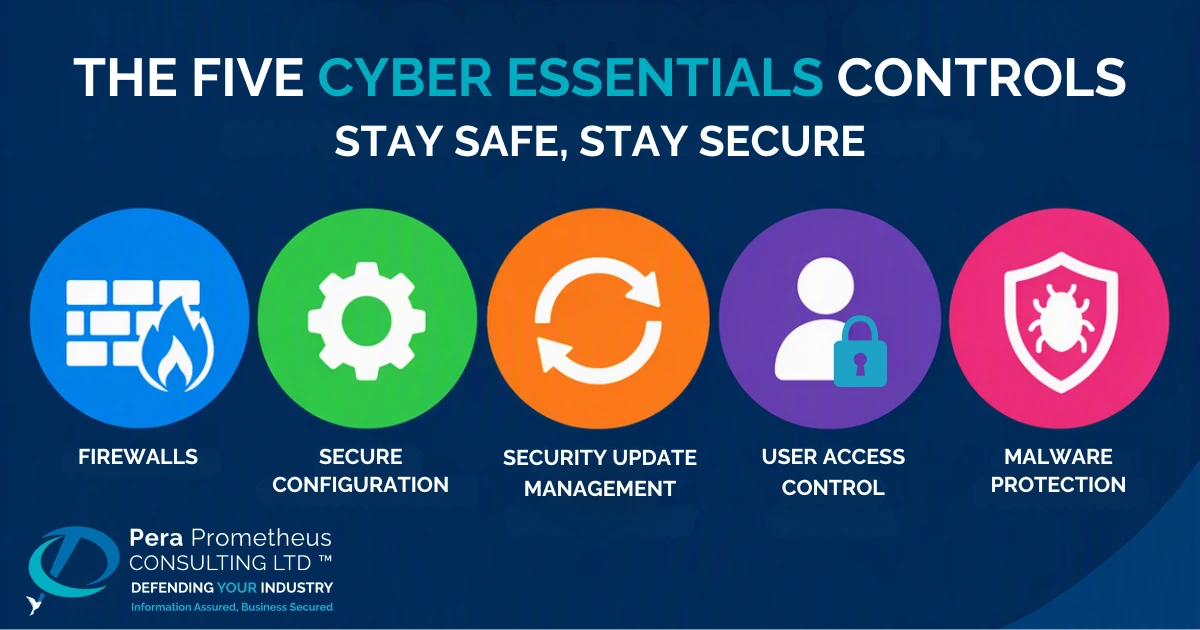
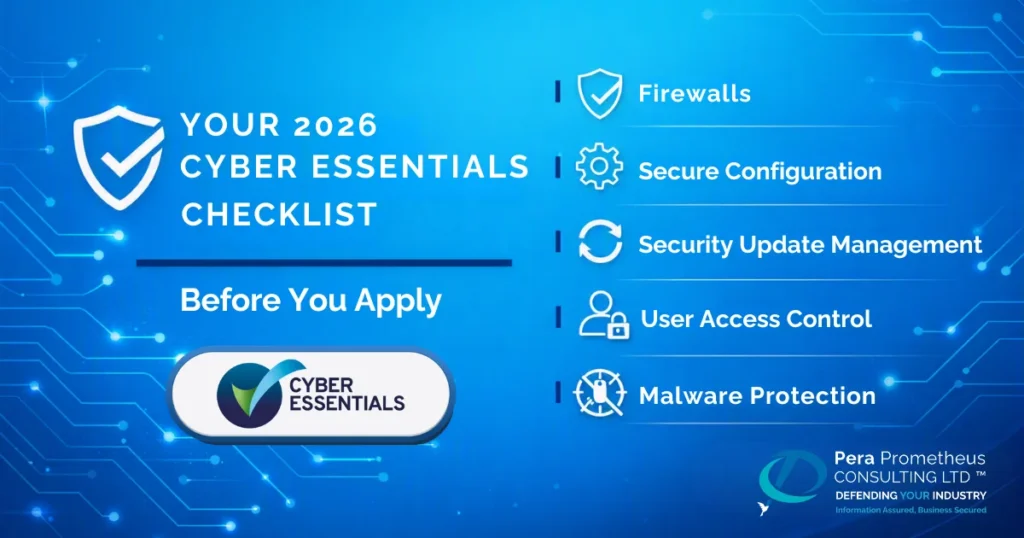
The Five Control Checklist
1. Control 1: Firewalls
- Make sure every device in scope is protected by a correctly configured firewall
- Change default administrator passwords and use strong, unique credentials
- Block incoming connections that are not required or explicitly authorised
- Disable unnecessary services and close any ports that are not required
2. Control 2: Secure Configuration
- Remove software, accounts and features you do not need
- Change every default password before a device goes into use
- Disable auto-run features that allow files or programs to execute without user authorisation
- Use appropriate device-locking controls for users who are physically present
3. Control 3: Security Update Management
- Use only software that is still supported by the developer
- Turn on automatic updates wherever possible
- Apply security updates addressing critical or high-risk vulnerabilities within 14 days
- Remove or replace software that is no longer supported
- Make sure firmware and applications are included in your update process
4. Control 4: User Access Control
- Give each person their own individual user account
- Promptly remove or disable access when someone leaves the organisation
- Keep administrator accounts separate from everyday user accounts
- Give users only the access they need to perform their role
- Enable multi-factor authentication (MFA) for cloud services where possible
- Review user and administrator access regularly and remove unnecessary permissions
5. Control 5: Malware Protection
- Make sure malware protection is active on every device in scope, or use application allow-listing to prevent untrusted software from running
- Keep malware protection up to date
- Check that protection is active across laptops, desktops, servers and other devices in scope
Getting the five controls right is only part of the process. The final step is making sure you can demonstrate they are consistently applied across your scope.
Evidence and Cost
Cyber Essentials is a self-assessment verified by a certification body, so your answers must reflect your entire scope, not just a sample machine. Before applying, check your asset list, confirm your cloud services, and make sure firewalls, updates and access controls are consistently configured across your scope. For an independently tested option, Cyber Essentials Plus adds hands-on testing. Our guide to what really happens in a CE Plus audit explains what to expect.
Certification costs start at £320 + VAT for micro organisations, rising to £440 for small, £500 for medium and £600 for large organisations. The fee is the easy part; thorough preparation is what gives you the best chance of passing first time.
Check list done, what next?
You can work through the checklist yourself, but expert guidance can help identify gaps before they become a failed assessment.
As an approved certification body for Cyber Essentials, Cyber Essentials Plus and Defence Cyber Certification Level 0, Pera Prometheus helps organisations across many sectors prepare and get certified. Get in touch to discuss where you are and what you need to do next.
Frequently Asked Questions
Q: How long does it take to achieve Cyber Essentials?
Ans: If your controls are already in place, the self-assessment can usually be completed and certified within a few days. Most of the time is spent preparing and addressing any gaps, rather than completing the questions themselves.
Q: Is Cyber Essentials mandatory?
Ans: Cyber Essentials is mandatory for many Ministry of Defence (MOD) and central government contracts, and forms the foundation of the Defence Cyber Certification (DCC) Level 0. It is mandatory within defence supply chains too so if you are an indirect supplier of goods or services, check your contract requirements as you may need Cyber Essentials.
Q: What is the difference between Cyber Essentials and Cyber Essentials Plus?
Ans: Cyber Essentials is a verified self-assessment of your organisation’s cyber security controls. Cyber Essentials Plus adds an independent technical assessment to verify that those controls are implemented and working effectively.
Q: Do I have to include cloud services in Cyber Essentials assessments?
Ans: Yes. Cloud services need to be included within your Cyber Essentials scope. From April 2026, multi-factor authentication (MFA) is mandatory for cloud services where possible.
Q: How much does Cyber Essentials cost?
Ans: Self-assessed certification starts at £320 + VAT for micro organisations and rises with organisation size, up to £600 + VAT for large organisations.
Stay Safe, Stay Secure